




This blog now accepts articles over a JSON API. Write the text in your editor of choice, run one command, and the post lands here — as a draft first, so nothing goes out before you have read it in its final shape.
Why bother
The editor in the browser is fine for a quick note. It is less fine when the text already exists as a file, when the screenshots sit in a folder next to it, or when the article is the last step of a script that has just finished a release. For those cases the blog got an API.
The shape of it
Six endpoints, all authenticated with a bearer token:
GET   /api/me                        the user behind the token
POST  /api/posts                     create a post (draft by default)
GET   /api/posts/:id                 read one of your own posts
PATCH /api/posts/:id                 revise a post, field by field
POST  /api/posts/:id/attachments     upload a file
POST  /api/posts/:id/publish         publish, optionally notify followers
A key belongs to exactly one user and acts as that user, so the same visibility and ownership rules apply as in the browser. Keys are stored hashed, expire after a year, and are minted and revoked by an admin under API Keys.
One command
The interesting part is the client. An article is a Markdown file with a small front matter block:
---
subject: The English headline
subject_de: Die deutsche Überschrift
tags: elixir phoenix
visibility: public
attachments:
  - diagram.png
---
The English body. Embed the image with {diagram.png}.

--- de ---

Der deutsche Text, wieder mit {diagram.png}.
Then:
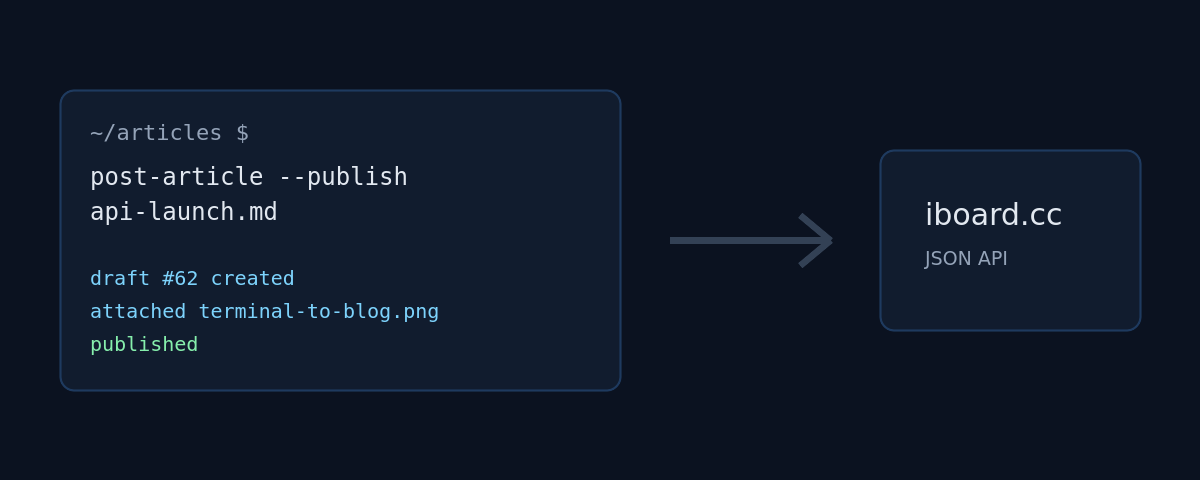
post-article --publish article.md
The script creates the draft, uploads the attachments, publishes, and prints
the URL. Leave off --publish and you get a draft to review. Add --notify
and the followers get the usual e-mail — with the images already in place,
which is exactly why uploading happens before publishing.
What it does not do
It does not unpublish, it does not delete, and it will not let you touch
someone else’s post. Those stay in the browser, where a mis-click is visible
and reversible. Revising works, though: a PATCH changes exactly the fields
it is given — this very paragraph arrived that way. Every API call is written
to the audit log with method, path, status, IP and the name of the key that
made it, so it is always clear which script did what.
This article was posted with the command above.