




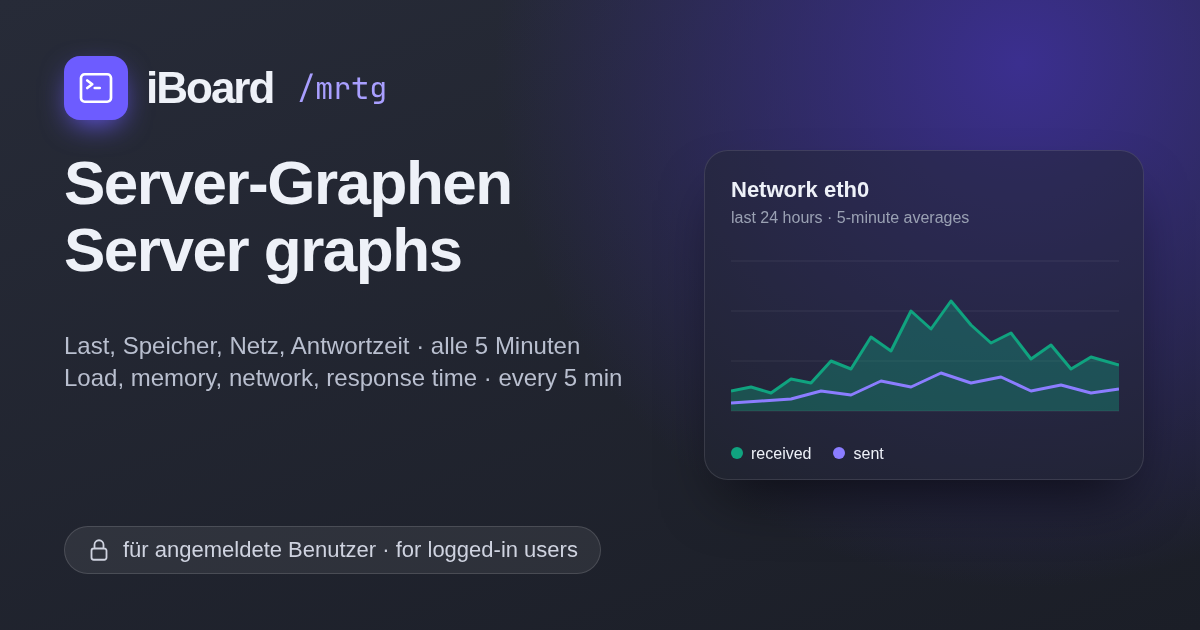
New for logged-in users: server graphs under /mrtg
iBoard runs on a small server of its own: beat, a virtual machine with two CPUs and 4 GB of RAM at Infomaniak in Switzerland (how it got there). From today on, everyone who is logged in can see how it is doing: iboard.cc/mrtg.
What you see
Seven graphs, updated every five minutes:
- Load average and CPU usage – how busy the two CPUs are
- Memory – used and page cache
- Disk space – used and free on the 60 GB disk
- Network – traffic in and out
- TCP connections – open connections to the server
- Response time – how long the front page of this blog takes, measured from the server itself
The overview shows the last 24 hours. A click on a graph opens the week, the month and the year, with average and maximum for each. The pages follow the theme you chose here on the blog, light or dark.
The history starts on 18 October 2026, so the curves are still short. They grow every five minutes.
Why
In half a year of iBoard I wrote about who reads here (mostly machines). The server graphs are the other half of that story: what all those requests cost the server. Transparency should not stop at the visitors.
How it works
The graphs come from MRTG, Tobi Oetiker’s
tool from 1995. It still does exactly one thing well: draw a value over time.
MRTG runs in a small container next to the blog and reads its numbers straight
from the Linux kernel (/proc), every five minutes.
The pages are static files. Before the web server delivers one, it asks the blog whether you are logged in. If you are not, you land on the login page and come back to the graph afterwards. No second password, no extra account.
Don’t have an account yet? Register here.
Siehe auch https://iboard.cc/posts/66